GPS Area Calculation1.4.3
Publisher Description
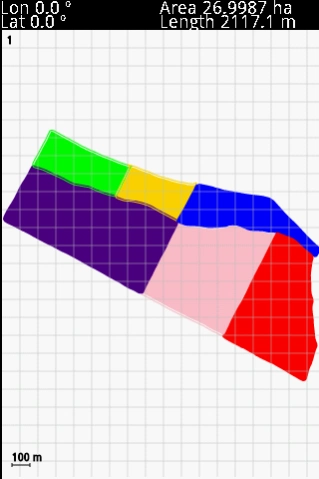
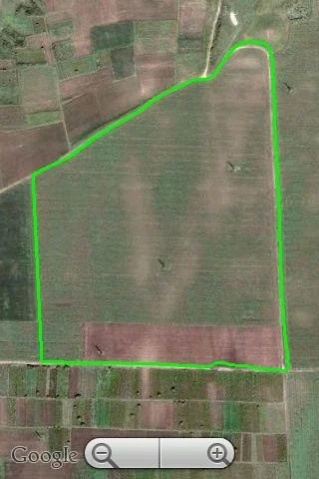
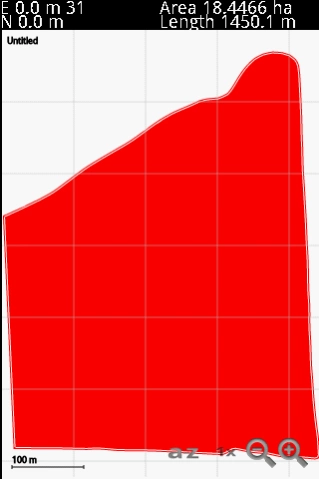
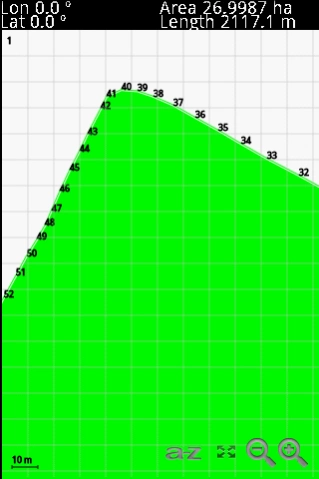
This App allows you to measure and print areas of any size using your GPS.
This program allows you to measure areas of any size, with a precision marked by your own GPS. The larger the area, the better the measure. The perfect tool for field and farm work. Combine this App with the free program "gpmReport" for send the measurements to printer in one single step.
The main features are:
- Coordinates Lat/Lon, UTM
- Precise Calculation of the area using projection UTM
- Precise reading of the position of the GPS using averages
- Units of measurement: Metric system or Imperial
- Export data in ESRI Shapefile
- Export data in DXF
- Export data Google Earth KML
- Display measurements under Google Maps
- Scales and Zoom
- Computes distance between cursor coordinates of map.
- Email directly the measurement file.
- Email directly the exported files.
- Import SHP files into map (polygons, arcs and points).
- Set the size of font in screen.
- Languages: English, Deutsch, French, Russian, Spanish, Portuguese, Polish, Czech , Hebrew and Turkish.
This program is compatible to file level with "GPSMeter PDA", so that you can also use "gpmReport" to see and print your measures in your PC. See http://www.gpsmeter.com/index.php?page=gpmreport
You can also upload the *.gpm file directly to the GPS Visualizer online utility.
More info about http://www.gpsmeter.com/index.php?page=android
About GPS Area Calculation
The company that develops GPS Area Calculation is JAL. The latest version released by its developer is 1.4.3. This app was rated by 1 users of our site and has an average rating of 5.0.
To install GPS Area Calculation on your Android device, just click the green Continue To App button above to start the installation process. The app is listed on our website since 2015-02-17 and was downloaded 66 times. We have already checked if the download link is safe, however for your own protection we recommend that you scan the downloaded app with your antivirus. Your antivirus may detect the GPS Area Calculation as malware as malware if the download link to com.gpsmeter.gpsarea is broken.
How to install GPS Area Calculation on your Android device:
- Click on the Continue To App button on our website. This will redirect you to Google Play.
- Once the GPS Area Calculation is shown in the Google Play listing of your Android device, you can start its download and installation. Tap on the Install button located below the search bar and to the right of the app icon.
- A pop-up window with the permissions required by GPS Area Calculation will be shown. Click on Accept to continue the process.
- GPS Area Calculation will be downloaded onto your device, displaying a progress. Once the download completes, the installation will start and you'll get a notification after the installation is finished.
Program Details
System requirements
Download information
Pricing
Version History
version 1.4.3
posted on 2015-02-17
The new update include these changes, based on the request of users:
- Fixed bug that avoiding show the MENU under some devices (example, Google Galaxy Nexus)
- Function for Delete files from SD card
- Computes distance between cursor coordinates of map.
- Email the measurement file.
- Email the exported files.
- Import SHP files into map (polygons, arcs and points).
- Option for set the size of font in screen.
- Added Tuskish language.
version 1.4.2
posted on 2012-12-12
Several fixes and updates
